

Welcome to Ravelry!
Here is a quick introduction:
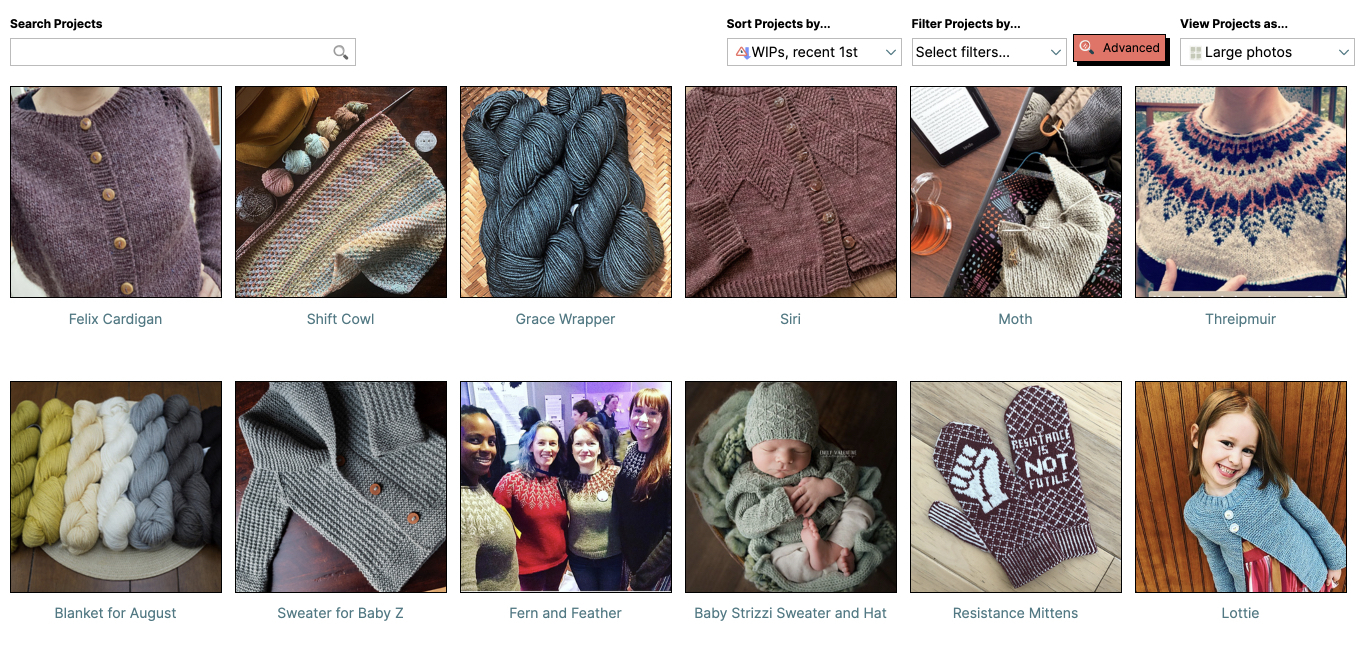
The "project" section of your notebook is a place for you to organize and share your knitting and crochet projects.
Take a look at Jess' project notebook or click "projects" under my notebook to begin adding projects of your own.
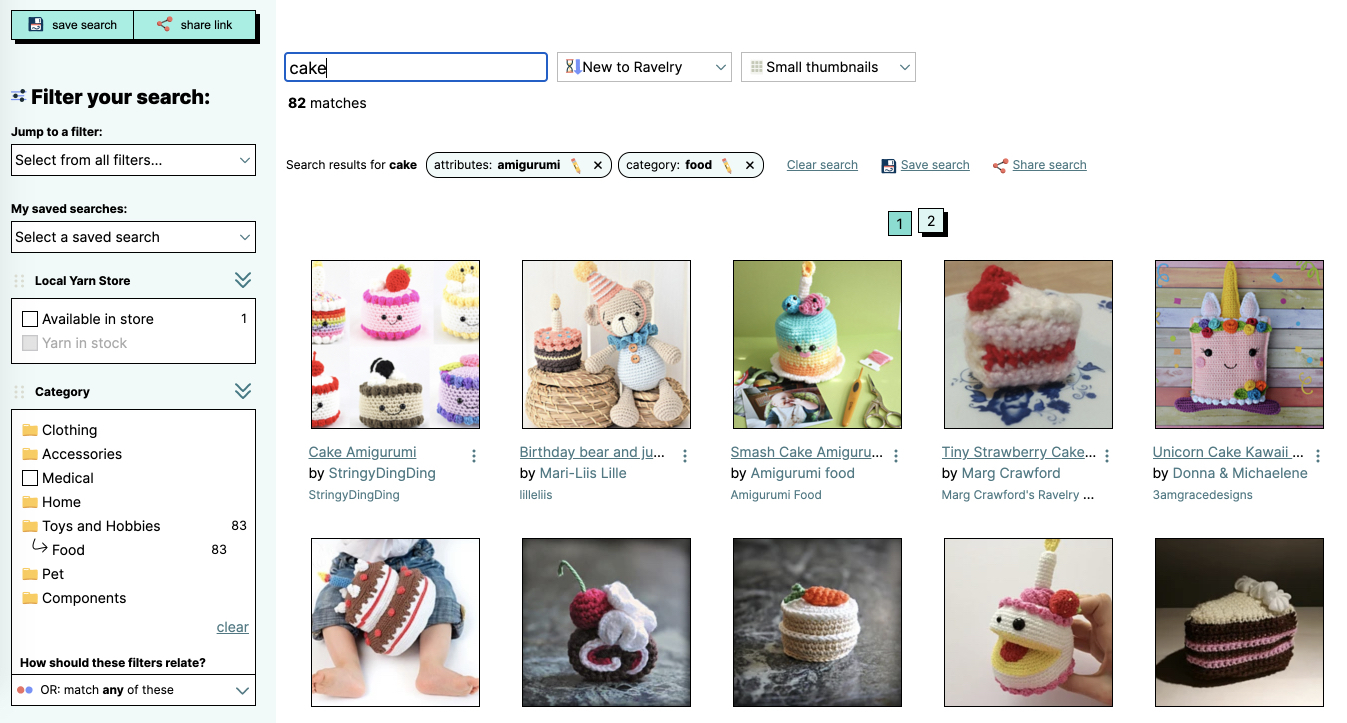
Click the patterns tab to search Ravelry's database of pattern information and browse through projects that were made from those patterns.

Look up pattern sources (books, magazines, and websites) by using the patterns tab or by clicking on a book/magazine title on any pattern or project. Once you have navigated to an individual source page you can look through all related patterns, projects, and discussions.

Every yarn has its own page on Ravelry. On each yarn page, you can get information about a yarn as well as browse and search pages of projects that people have made with that yarn.
To try this out, use the yarns tab to search and find a yarn, then click the projects tab on an individual yarn page.

There are thousands of special interest groups on Ravelry. If you are interested in a particular topic (not necessarily knitting/crochet related!), region or event, click the groups tab to search for groups that match your interests.

Use the people tab to find other Ravelry users.
